
We recommend entering them one after the other in each field:

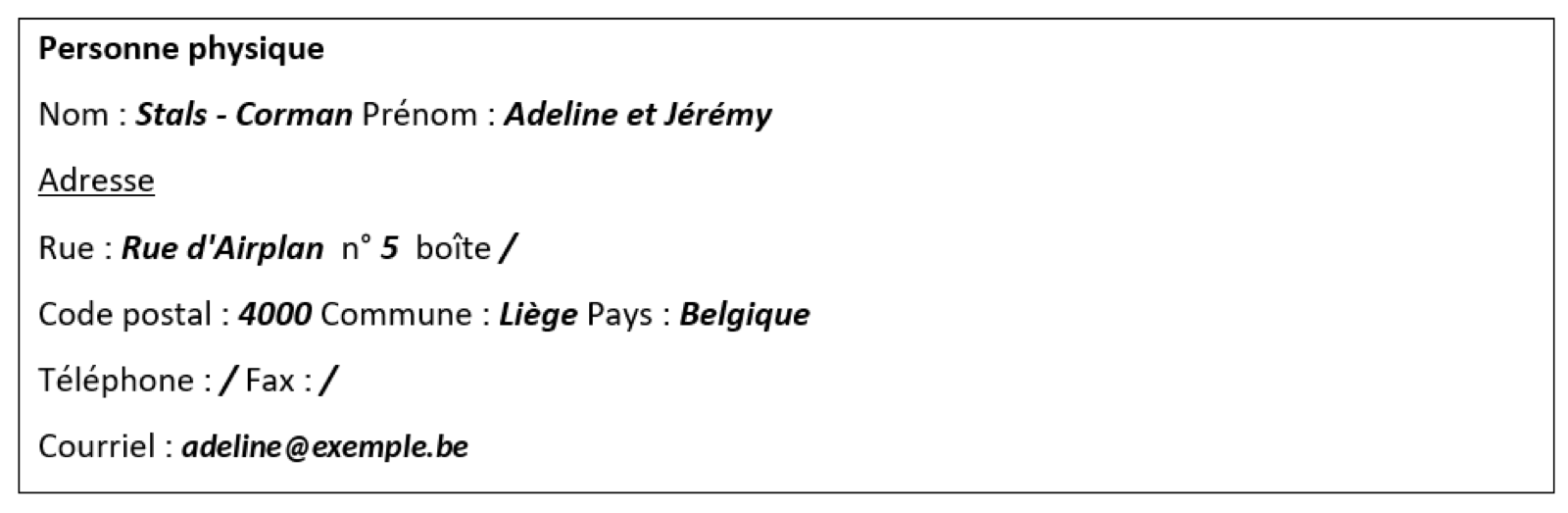
This is how the data will appear in the document:
🔧 Changing the contact details step by step
- Open your project on workspace.airplan.be
- In the “Dossier administratif de votre projet” (your project’s administrative file) block, find the client’s contact details.
- Click the pencil ✏️ to edit the information.
- Enter the first names and surnames one after the other (e.g. Adeline and Jérémy ).
- Save your changes by clicking “Mettre à jour” (update).
- On the project page, click “Actualiser” (refresh) for each document marked “Le document n’est pas à jour” (the document is not up to date).