
You can change your client’s contact details at any time:
- Open the project from “Projets en cours” (ongoing projects).
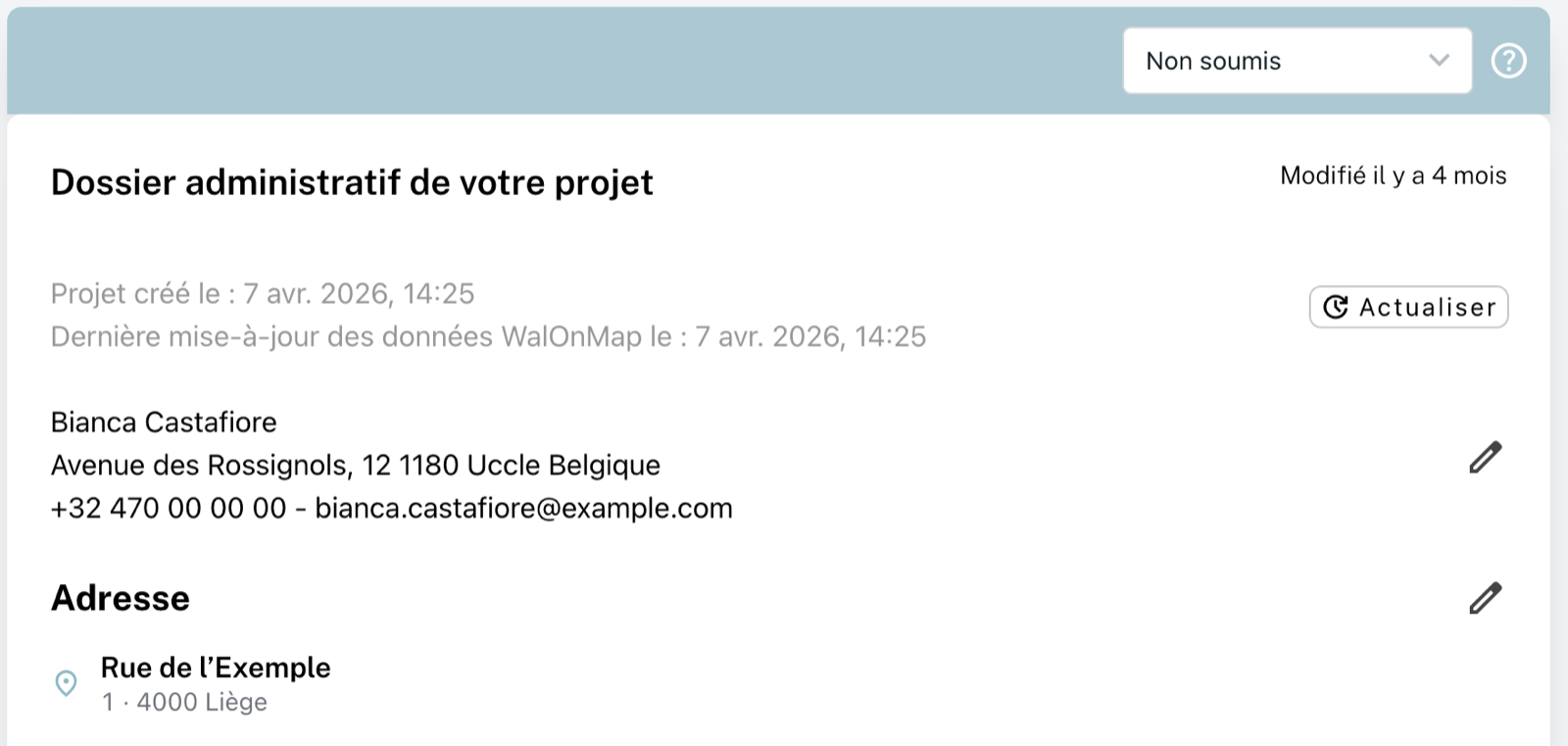
- In the “Dossier administratif de votre projet” (your project’s administrative file) block, click the pencil next to the client’s contact details.
- Make the changes and click “Mettre à jour” (update).
- Back on the project page, the documents concerned show “Le document n’est pas à jour” (the document is not up to date). Click “Actualiser” (refresh) to regenerate them with the new contact details.
💡 In Annex 4, the “Demandeur” (applicant) box uses these contact details: always edit them from the project page.