
In this article (3)
Sometimes the address search cannot find your project: a recent address, a new build, a plot without a house number, or a municipality in the German-speaking Community, where the address search is less reliable. There are two ways to carry on.
Solution 1: use the cadastral reference (CapaKey)
- Go to the search screen.
- Click “Introduire une référence cadastrale à la place” (enter a cadastral reference instead).
- Enter the cadastral reference or the CapaKey of your plot.
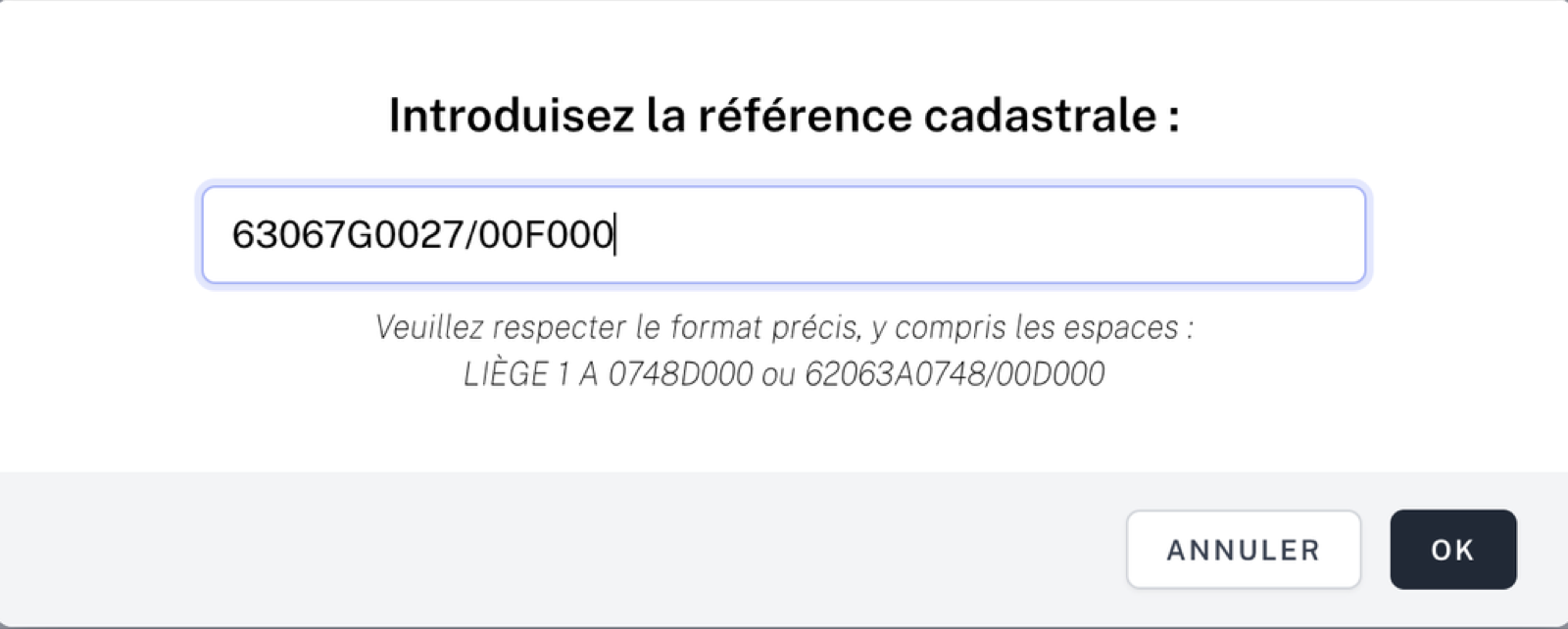
Don’t know the cadastral reference? See below for how to find it.
Solution 2: start from a neighbouring address
- Search for a neighbouring address that the search does find.
- On the “Parcelles et adresses” (plots and addresses) screen, click on the map to select the actual plot or plots of your project, and remove those that are not part of it.
- Adjust the address of each plot with its pencil icon.
This corrected address is the one that will appear in your documents.
Finding the cadastral reference
- On WalOnMap, search for your address, display the cadastral parcel map and click on your plot: its details show the cadastral reference (CAPAKEY).
- On your cadastral extract: see Obtaining your cadastral extract.
💡 Tip: in Airplan, double-clicking a cadastral reference copies its CapaKey.
