
- Open the project concerned. If it is archived, open it from “Projets archivés” (archived projects) and click “Désarchiver le projet” (unarchive project) at the bottom of the page.
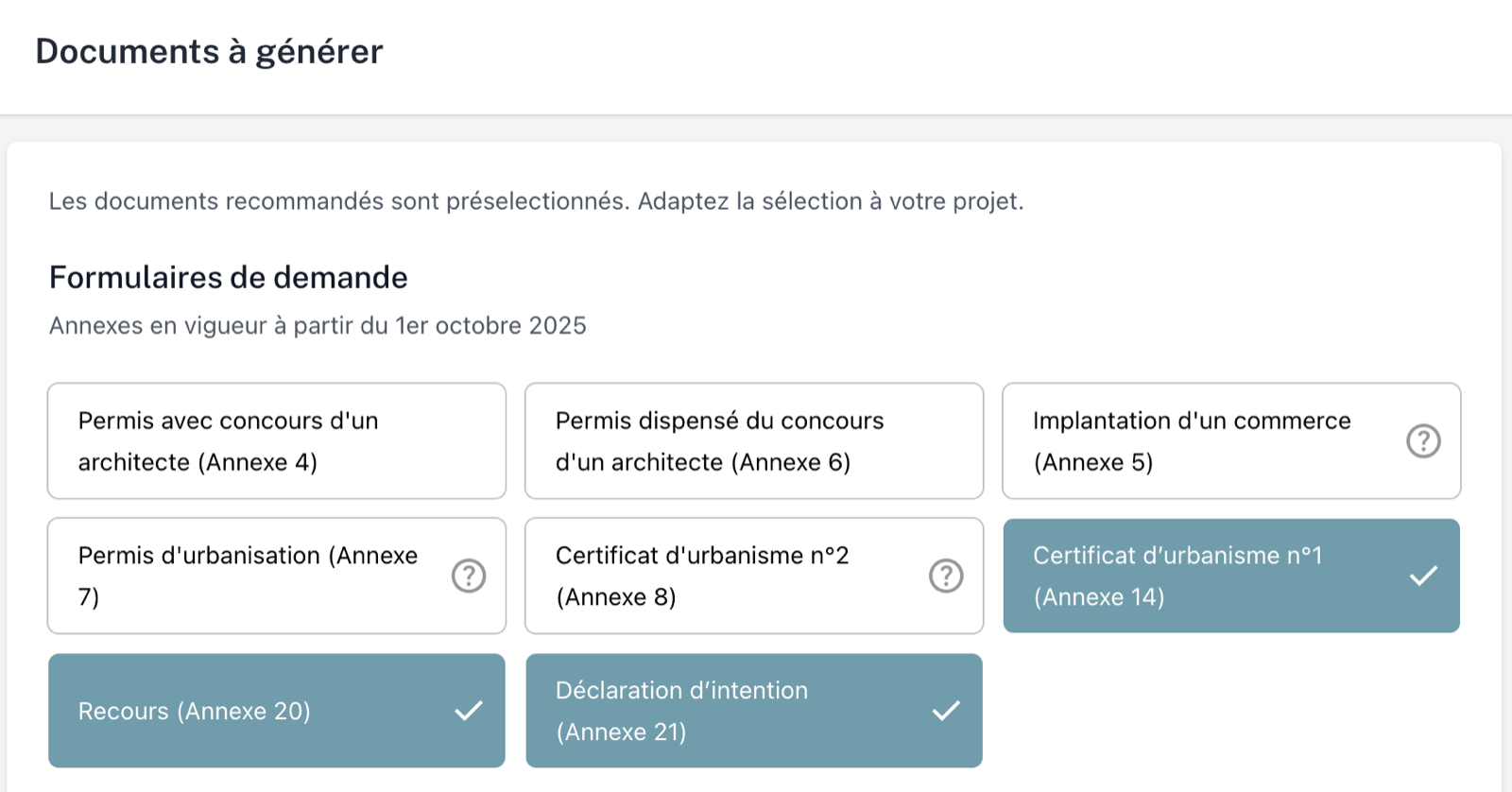
- In the “Documents” block, click the pencil to open the “Documents à générer” (documents to generate) screen.
- Check the selection. For a project created before 1 October 2025, tick the “Annexes en vigueur à partir du 1er octobre 2025” (annexes in force from 1 October 2025) forms: the old annexes can no longer be generated.
- Click “Confirmer” (confirm).
The documents are generated with the templates currently in force.
💡 Would you rather keep the old application intact? Use “Dupliquer le projet” (duplicate project) at the bottom of the project page, then work on the copy.