
The location plan is always generated for every project. That is why it is not in the list of documents to generate: it is available automatically, without you having to select it.
You download it from the Project view:
-
Open your project.
-
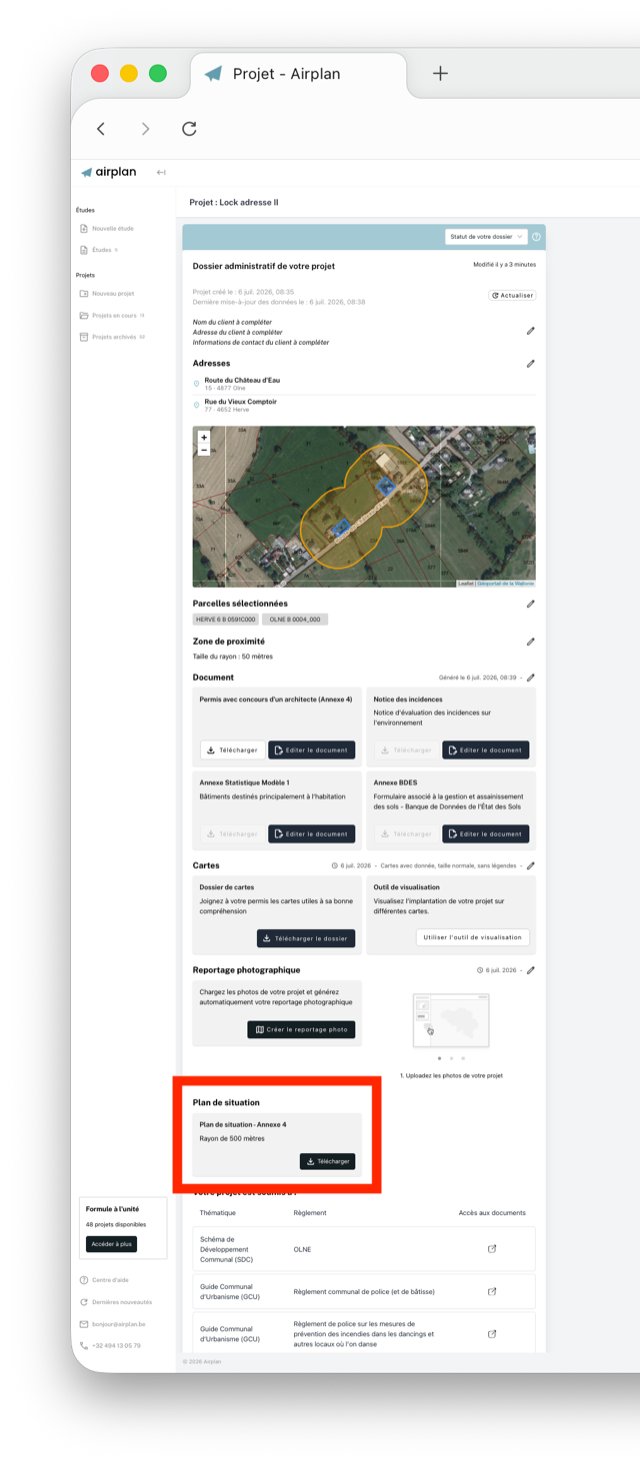
Scroll down to the “Plan de situation” (location plan) box, below the photo report.
-
Click “Télécharger” (download).
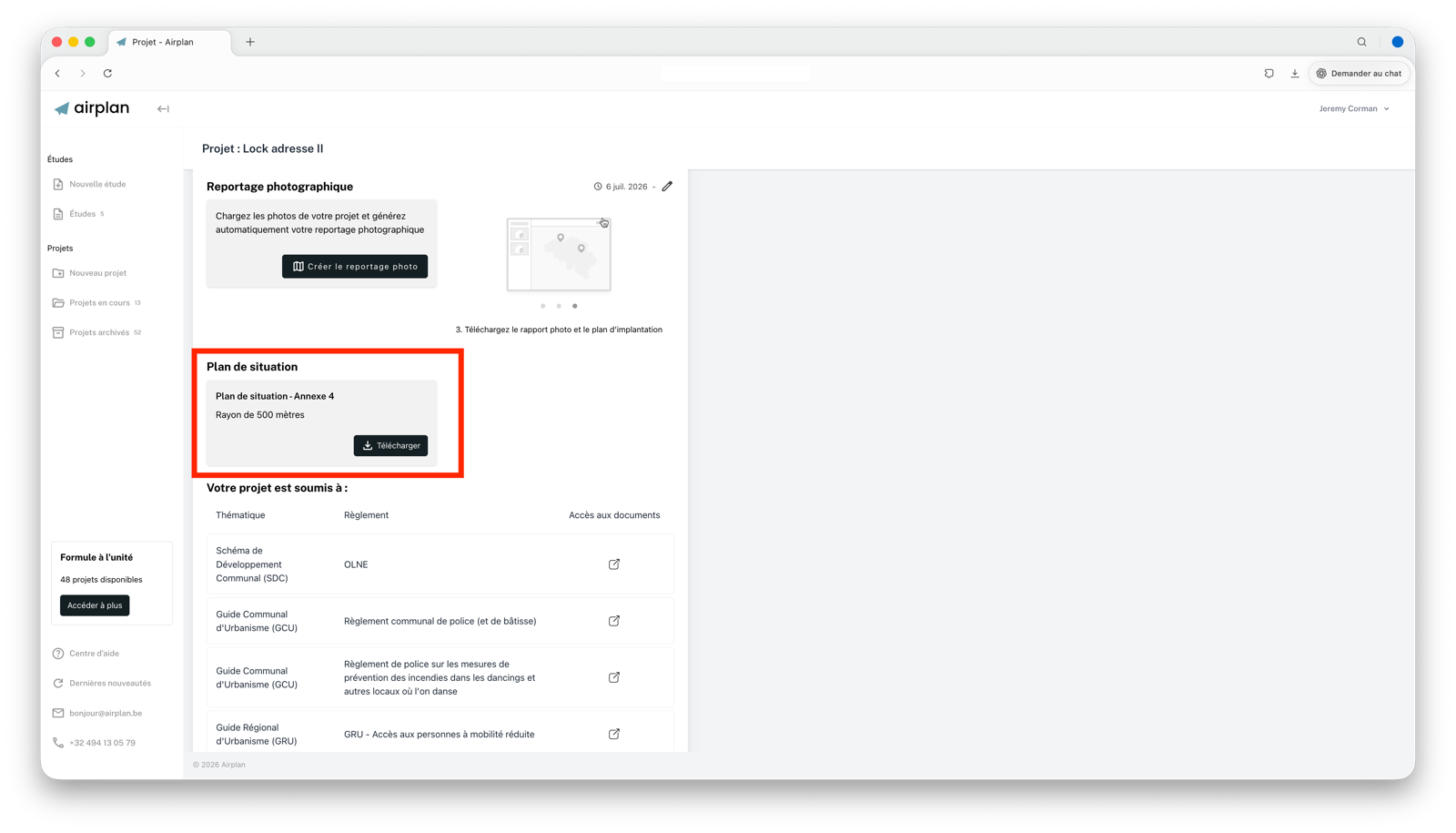
💡 The location plan is generated with a 500-metre radius, as required for Annex 4.